Make iPhone-style text screenshots and 9:16 chat story videos. Free to download, no watermark.
Free
No sign-up
No watermark
Runs in your browser
How to make a fake text message
Everything happens in the editor at the top of this page.
1
Write the chat.
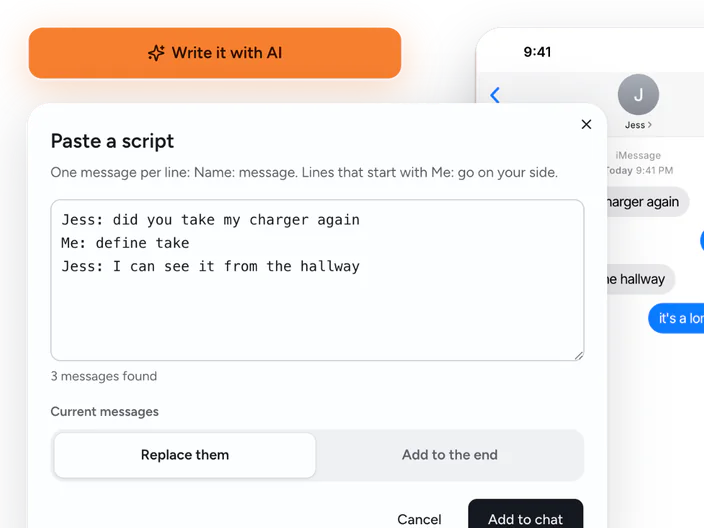
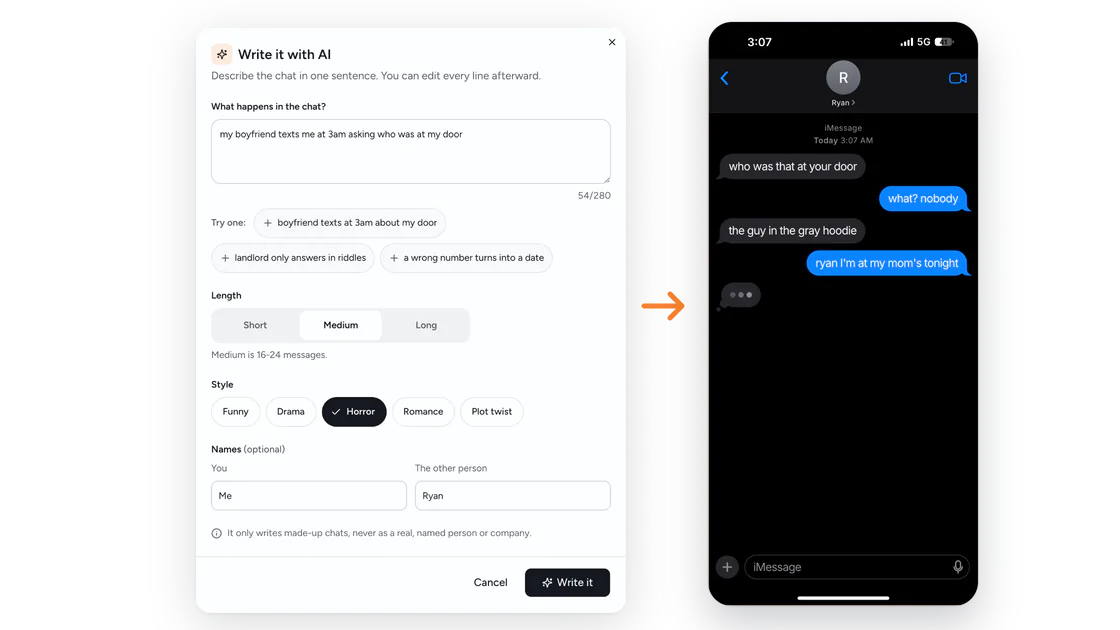
Add messages and tap whose side each one goes on. Already have a script? Paste it in, one Name: message per line. Or type a one-line idea and let the AI write it.
2
Change the details.
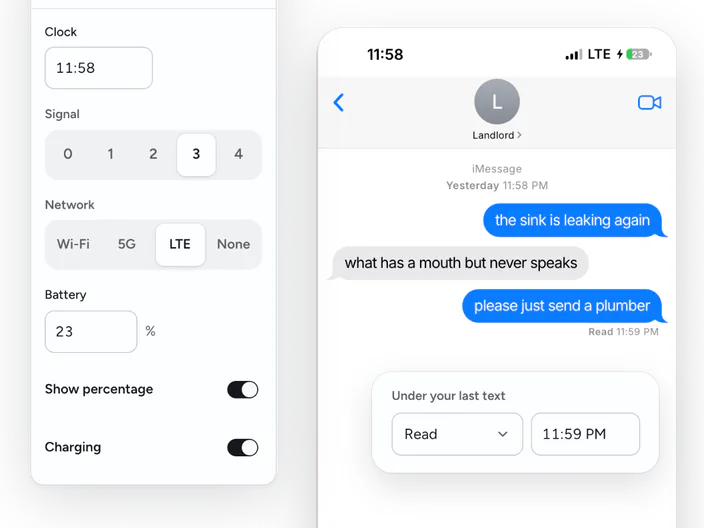
Set the contact's name and photo, the clock, the battery and signal, and pick Delivered or Read for your last text. Drag any message to move it.
3
Download it.
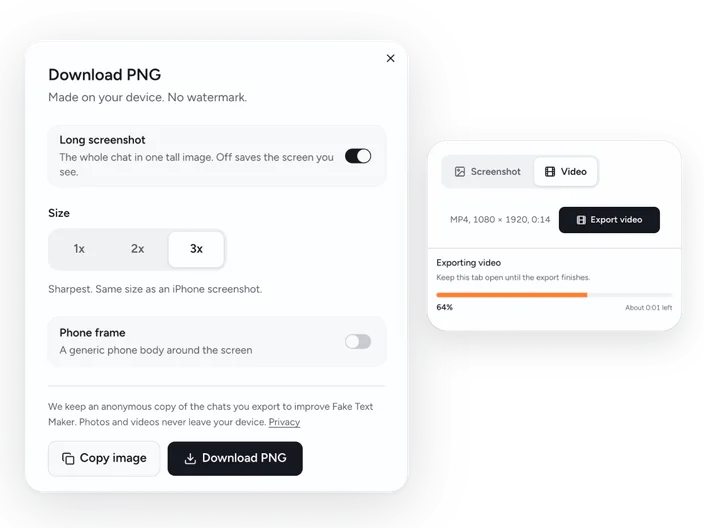
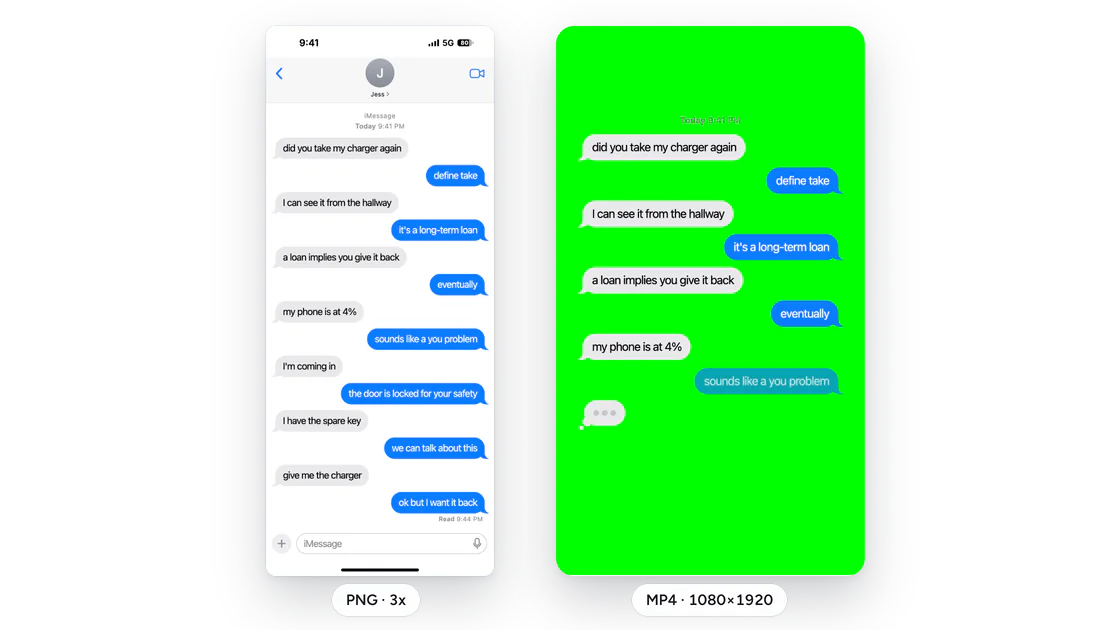
Save a PNG at up to 3x, copy it to your clipboard, or switch to Video and export an MP4.
Screenshot or chat story video, from one conversation
Write the chat once, then export it either way.
Detail
Screenshot
Chat story video
File
PNG at 1x, 2x or 3x
MP4, 1080×1920 (9:16), 30 fps
Length
One iPhone-size screen, or a long screenshot of the whole thread
The whole chat, played out message by message, up to 3 minutes
Extras
Phone frame on or off, copy to clipboard
A typing bubble before each of their messages, optional message sounds
Timing
One still image
Overall speed, how long each message stays, pauses at the start and end
Background
The chat screen itself, light or dark
Solid color, green screen, or your own image or video
Watermark
None
None over the chat. The video ends with a 2-second Fake Text Maker end card
Most fake message maker tools we tried only make screenshots. The ones that do make videos charge for them or add a watermark. Here the video costs nothing and has no watermark over the chat. The video file is made in your browser, so there's no upload to wait for.
The green screen is there for editing: remove the green in CapCut and lay the chat over gameplay or any other clip. Want to start in video mode with the AI panel already open? Use the chat story maker.
Let AI write the fake text message conversation
The blank chat is the hard part. Type your idea in one sentence, pick a length (short, medium or long) and a style, add character names if you want, and the AI drops a full conversation into the editor. Every line stays editable. Don't like the ending? Regenerate it.
Ideas to try:
Horror“my boyfriend texts me at 3am asking who was at my door”
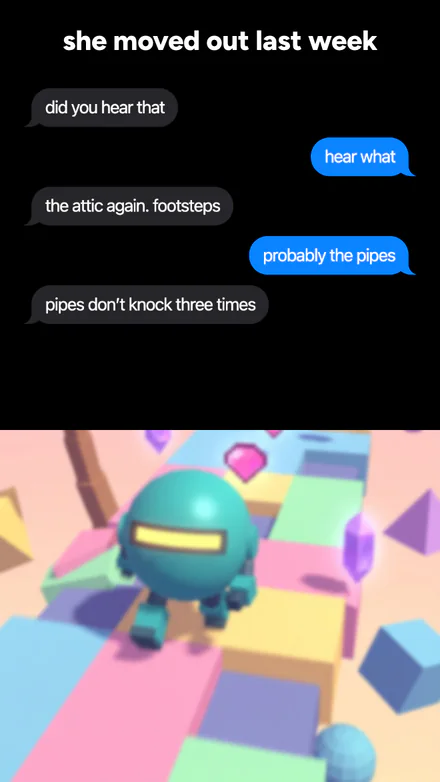
Plot twist“my roommate keeps texting about noises in the attic, but she moved out last week”
Funny“I asked my landlord to fix the sink and he only answers in riddles”
Romance“a wrong-number text turns into a first date”
Drama“my sister borrowed my car, and every text gets worse”
You get free daily AI scripts without an account. When they run out, you can still write or paste chats by hand.
What people make with Fake Text Maker
People use a fake text generator for a lot more than pranks.
Chat story videos for TikTok, Reels and Shorts
You've seen them. A text thread plays out over a gameplay clip and ends on a twist. Export the chat on green screen, then stack it over your clip in CapCut. Making one every day? Paste your scripts, or let the AI write them.
Black background memes
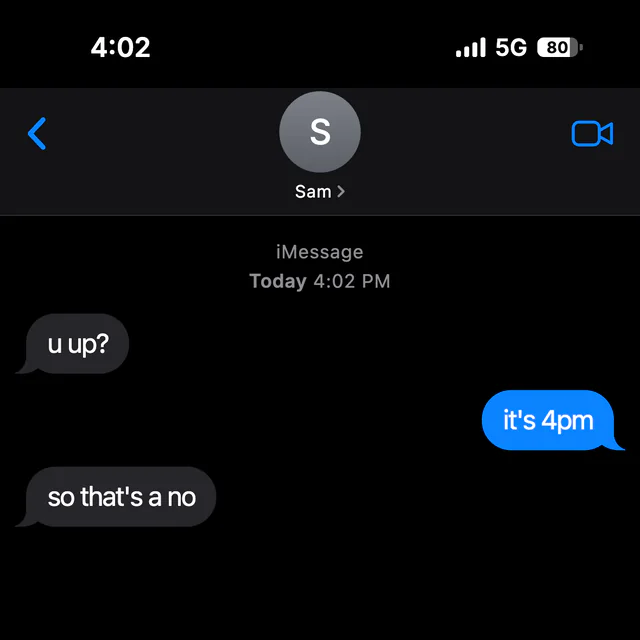
The dark-mode iPhone screenshot is its own meme format. Flip the preview to dark, or start from the fake text message black background page, which opens in dark mode.
App and product mockups
For an app prototype or a pitch deck, export at 3x with the phone frame off.
Stories, fan fiction and scripts
If you're figuring out how to write a text message conversation in a story, draft it here first. Reading the scene on a phone screen shows you where it drags, before it goes into your story or script.
Ads and social posts
A text screenshot makes a quick hook for an ad or a launch post. Use made-up names.
Fake text message, iPhone style: what you can change
You can set all of these:
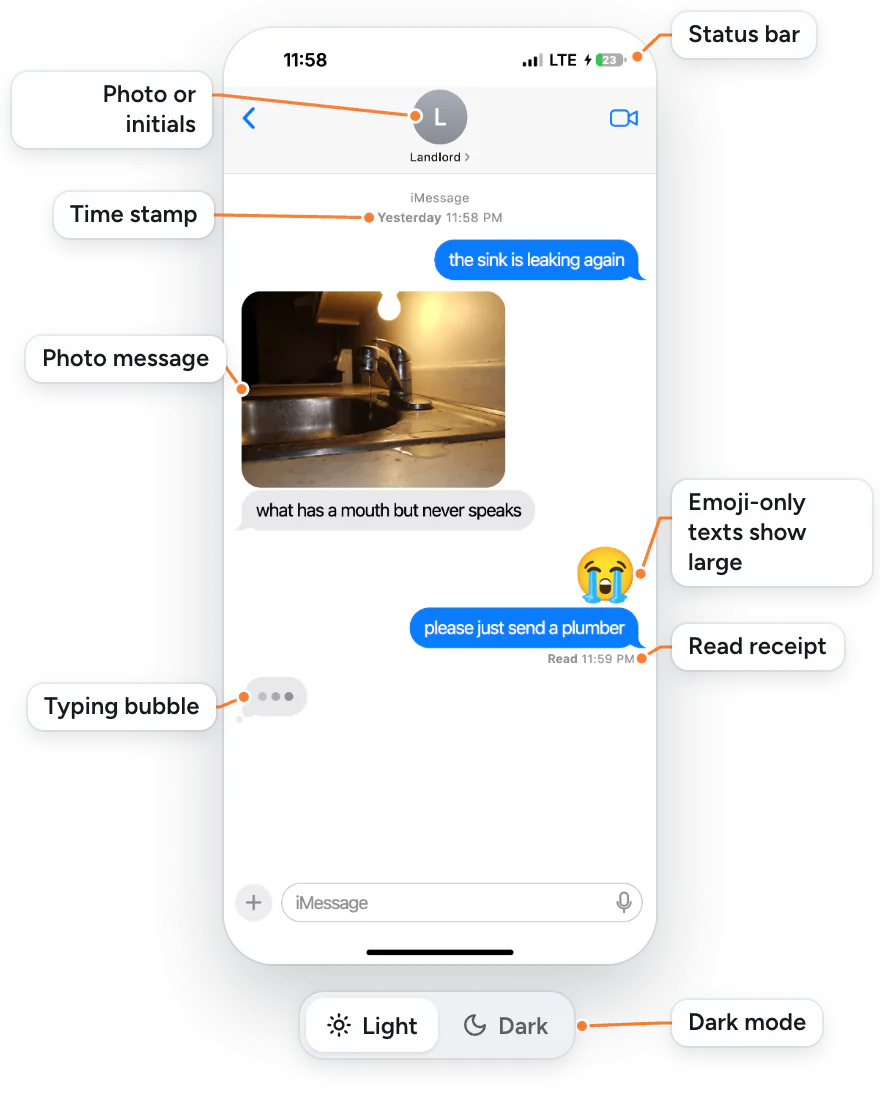
Status barThe clock, signal bars, Wi-Fi, 5G or LTE, battery level with percent, and the charging bolt.
ContactA name, plus a photo or just initials.
MessagesYour side or theirs. Emoji-only texts show up big, the way iOS shows them, and you can send photos too.
Bubble colorBlue iMessage or green SMS, for the whole conversation.
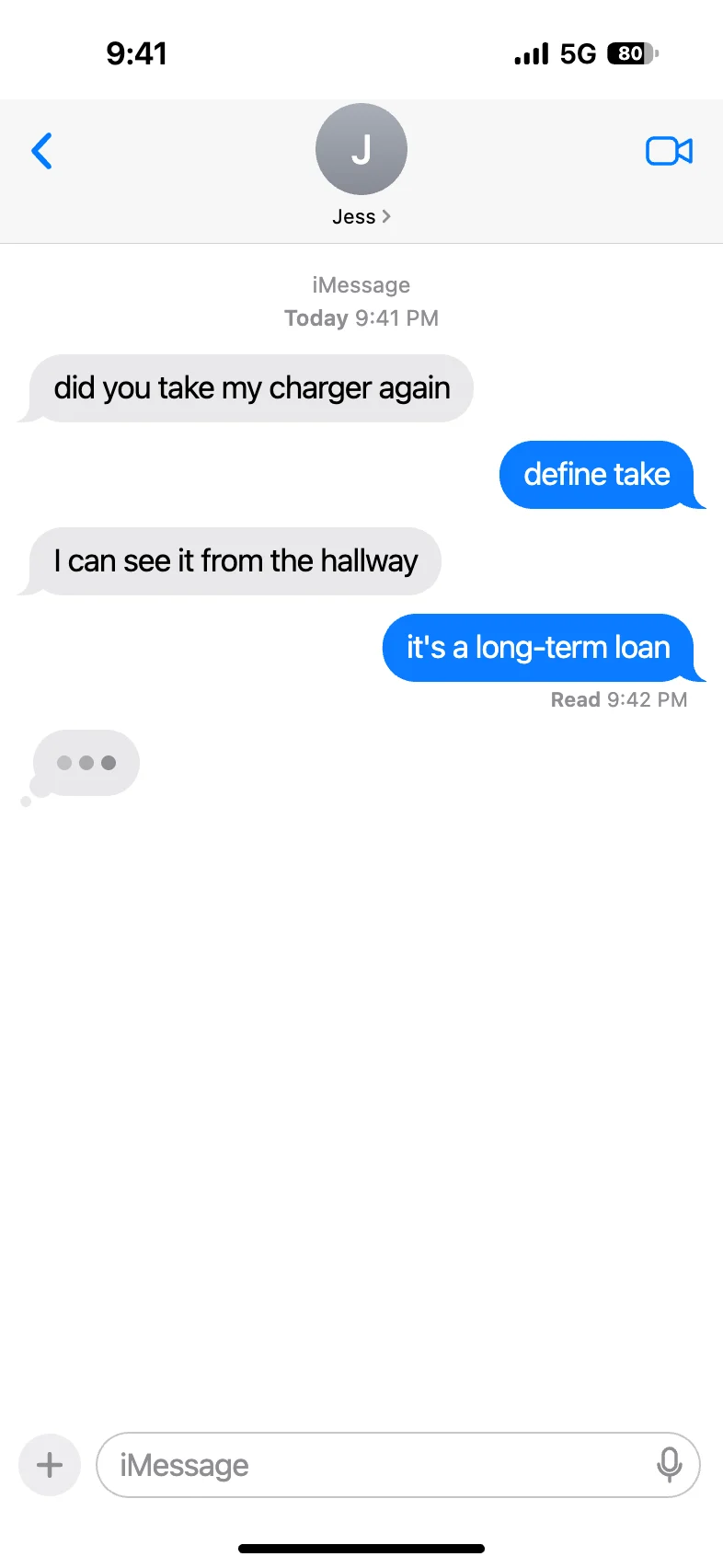
Time and statusTime stamps like "Today 9:41 AM", Delivered or "Read 9:42 AM" under your last text, and a typing bubble on their side.
Light or darkOne switch for the black background.
EditingDrag to reorder, change who sent a message, insert or delete. The preview updates as you type.
DraftsSaved automatically as you go. Keep several and switch between them.
TemplatesA few starter chats, if you'd rather edit than start from nothing.
What it can't do yet
It makes the iPhone look only. WhatsApp, Discord and Instagram aren't here yet.
No group chats, bubble reactions, voice messages or on-screen keyboard yet.
On iPhone and Mac the preview uses the system font. On other devices it uses Inter, a close free font. There are no Apple font files or logos, so the look is close to iOS, but not identical.
Drafts live in this browser only. They don't sync to your other devices, and clearing your browser data deletes them. Safari also clears site data after 7 days without a visit.
Use it for fun, not to fool people
Fake Text Maker is for made-up chats: jokes, videos, stories and mockups.
Please don't use it to:
pretend to be a real person, a company or a bank
harass, threaten or embarrass someone
make "proof" for a breakup, a work complaint or a court case
run a scam of any kind
The AI writer follows the same rules. It only writes made-up conversations. It won't write as a real, named person or company, and it won't write scam texts, fake proof, threats, harassment or sexual content involving minors.
Fake Text Maker is an independent tool and isn't affiliated with or endorsed by Apple Inc. iPhone and iMessage are trademarks of Apple Inc.
Fake text message generator FAQ
Yes. Making and downloading screenshots and videos costs nothing. The AI writer comes with free daily scripts, and once you've used them you can keep writing or pasting chats by hand.
No. Screenshots download clean, and videos have no logo over the chat. Each video ends with a 2-second Fake Text Maker end card. A paid option to remove it is planned.
Yes. There's no fake text app to install and no account to create. Open faketextmaker.app in your browser on an iPhone, an Android phone or a computer. Video export needs iOS 16.4 or later. On Android, use Chrome.
Write or paste the chat, then switch to Video at the top of the editor. Pick a background (green screen is easiest if it's going over gameplay in CapCut), set the speed and how long each message stays, turn message sounds on or off, and export the 1080×1920 MP4. A few browsers save WebM instead, and the app tells you before it exports. To open straight into video mode, use the text message video maker.
Yes. Put one message per line in the format Name: message, paste it in, and the editor splits it into separate messages:
Jess: did you take my charger again
Me: define take
Lines that start with Me: go on your side. If your script uses two names, you pick which one is you after you paste. You can switch who sent any line afterward.
Yes. Turn on dark mode and the chat sits on black, like an iPhone in dark mode. Or open the black background page, which starts in dark mode.
Screenshots and videos are made on your own device, and photos or videos you add stay there. When you export or use the AI writer, we keep an anonymous copy of the chat's text and settings for 30 days, then delete it. We keep it for safety, so we can look into misuse such as scam texts, and to see how people use the tool, so we know what to fix and build next. We don't keep your photos or videos. The AI writer also sends your idea to our AI provider so it can write the script. Details are in our privacy policy.
Jokes, videos, stories and mockups are what this tool is for. Using a fake text to trick or harass someone, to pose as a real person, or as fake proof can get you in legal trouble, and it's against our terms. If you post one where strangers will see it, say it's made up.
Not yet. Today the editor makes the iPhone look only. More chat apps are on the way.
Make your first fake text
The fake text message generator is at the top of the page. Start from a blank chat, pick a template, or give the AI one line to work with.