
Fake Text Message Black Background
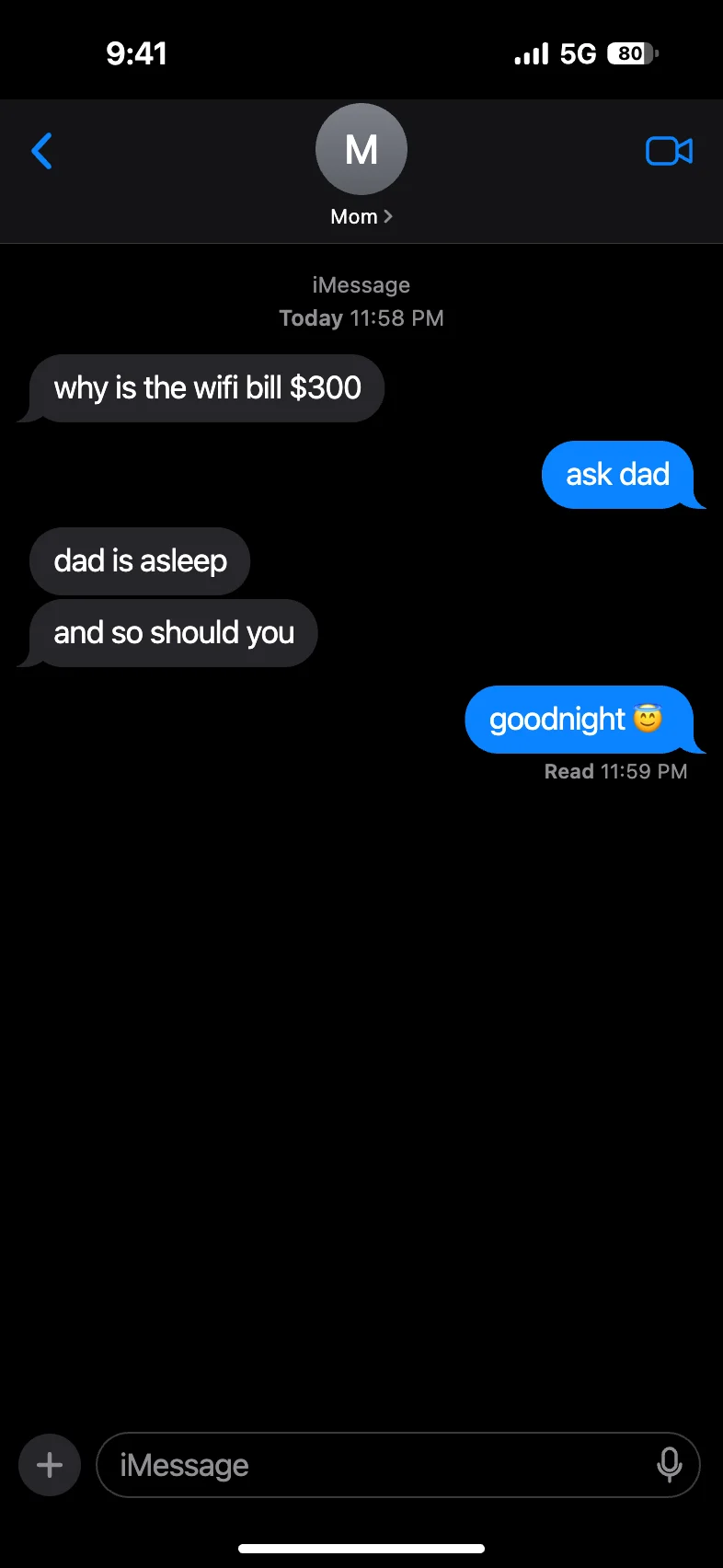
Type a chat and download an iPhone dark mode screenshot on pure black. Put it on a black TikTok video or Instagram slide and the edges disappear.
- Free
- No sign-up
- No watermark
- Runs in your browser
How to make a fake text message with a black background
The editor at the top of this page already opens in dark mode.
Type over the sample chat.
Change any message, add new ones on either side, or paste a whole script with one
Name: messageper line. Stuck for words? Give the AI a one-line idea and it writes the chat.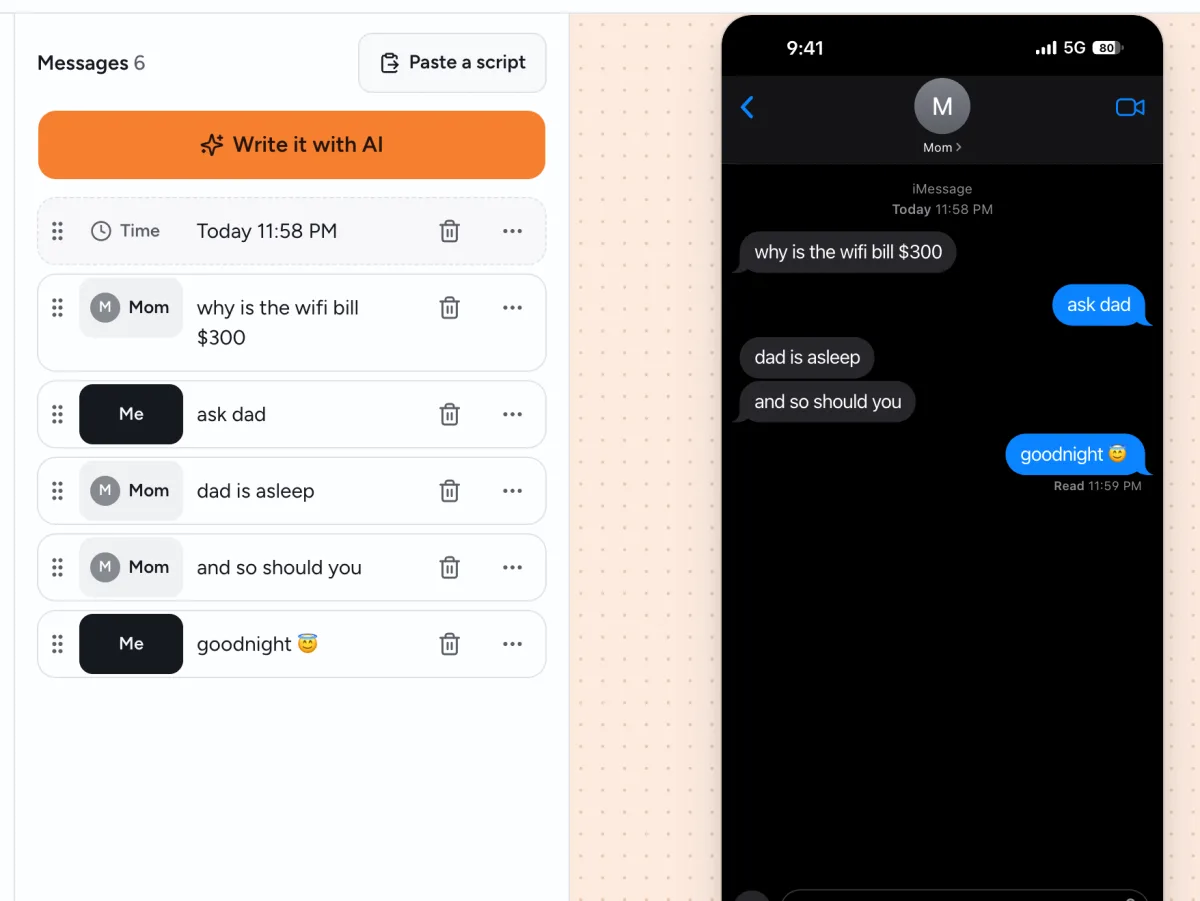
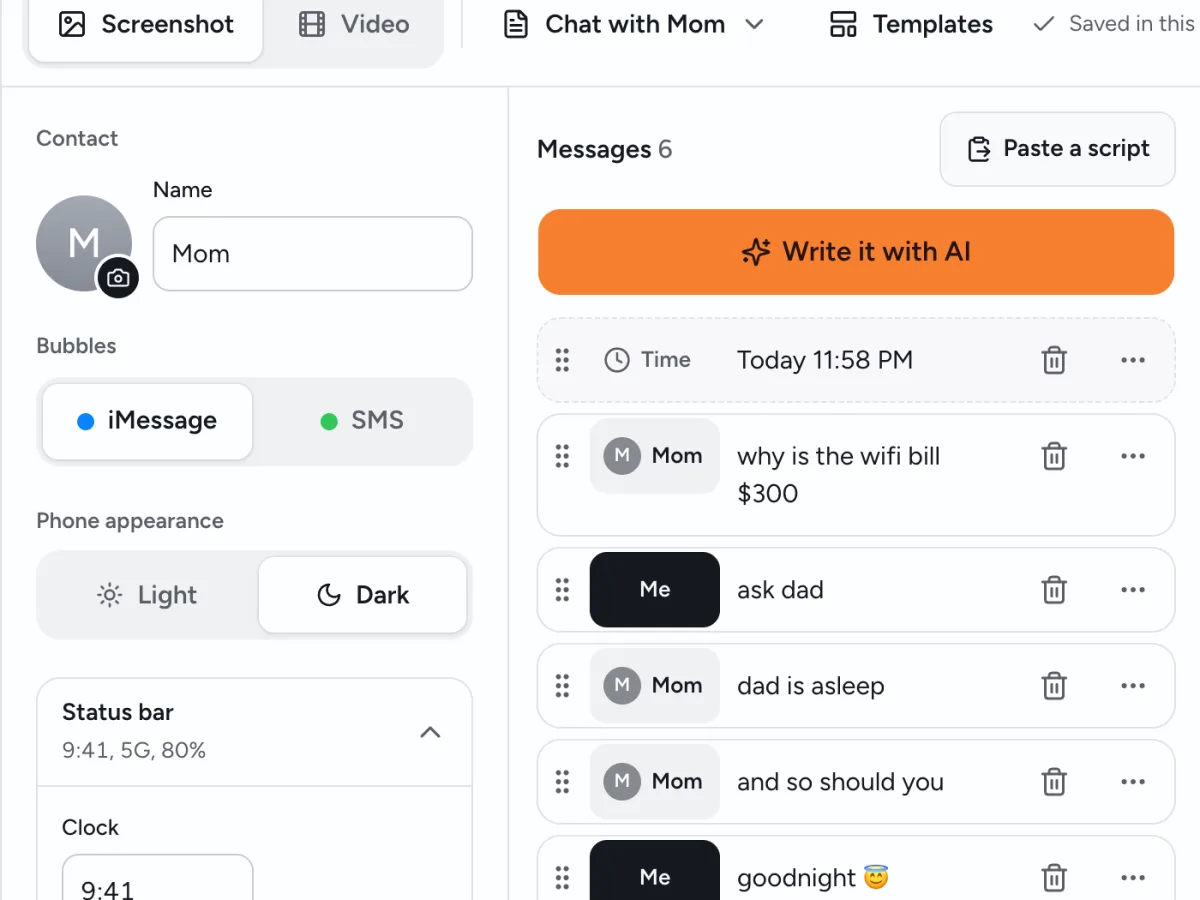
Set the details.
Pick the contact's name and photo, the clock, the battery and the signal, and choose Delivered or Read under your last text. Phone appearance stays on Dark.
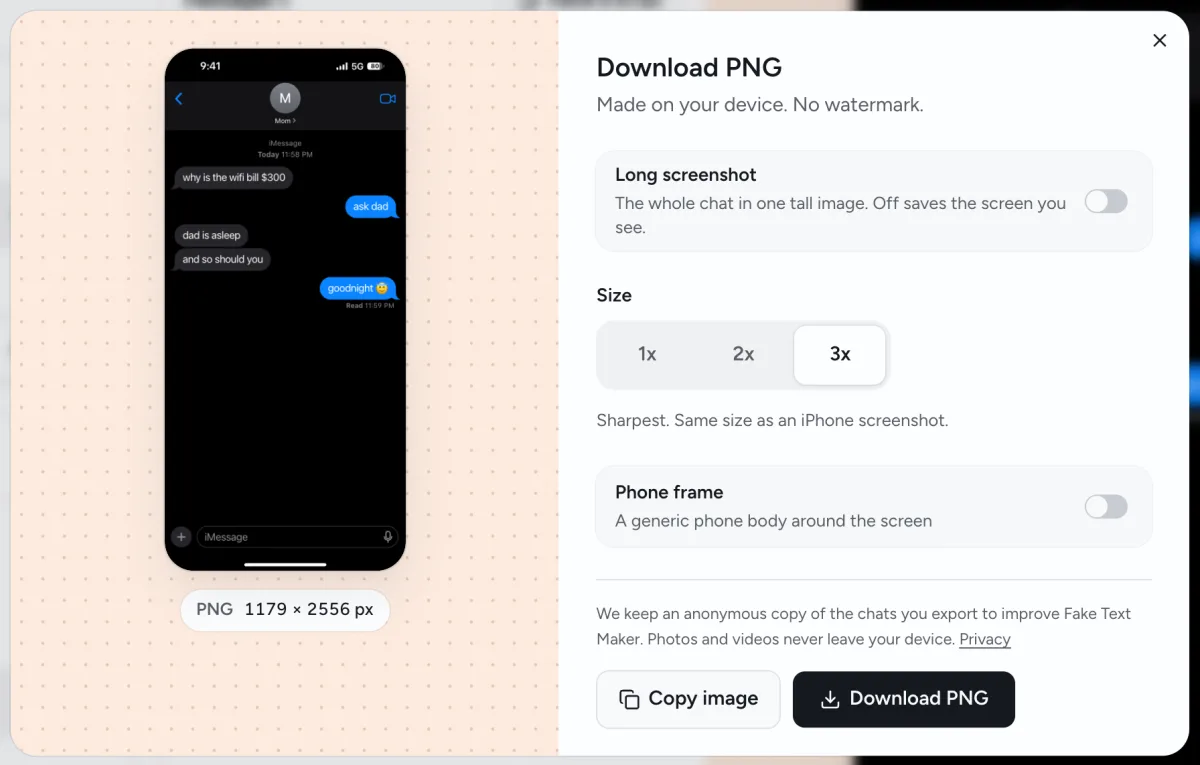
Download the PNG.
By default you get one iPhone-size screen at 3x, with no phone frame, on pure black. Turn on Long screenshot to get the whole chat in one tall image, or use Copy image to paste it straight into another app.
Pure black, so the chat blends into your post
The background behind the chat is pure black (#000000), the same black an iPhone uses in dark mode. Put the screenshot on a black slide or a black video frame and you won't see a gray box around it.
- TikTok and Reels. Drop the PNG onto a black background in CapCut and the chat sits in the frame with no border. Want the texts to pop in one by one? The chat story maker turns the same chat into a 9:16 video; pick a solid black background.
- Instagram carousels and photo dumps. Give a fake text message screenshot its own black slide between your photos. On a 4:5 slide, the black on both sides of the chat matches the slide.
- Memes. Post the PNG on its own. It has the shape of a recent iPhone screen (iPhone 16, 17, 18 or 18 Pro), so it sits in the feed like any other screenshot.
Leave Phone frame off for slides and videos. Turn it on when you want a phone in the picture, like for a mockup.

Fake text message dark mode ideas to copy
Need a starting point? Copy a script, tap Paste a script in the editor and change the names. They work as memes, carousel slides or video hooks, and they're all made up.
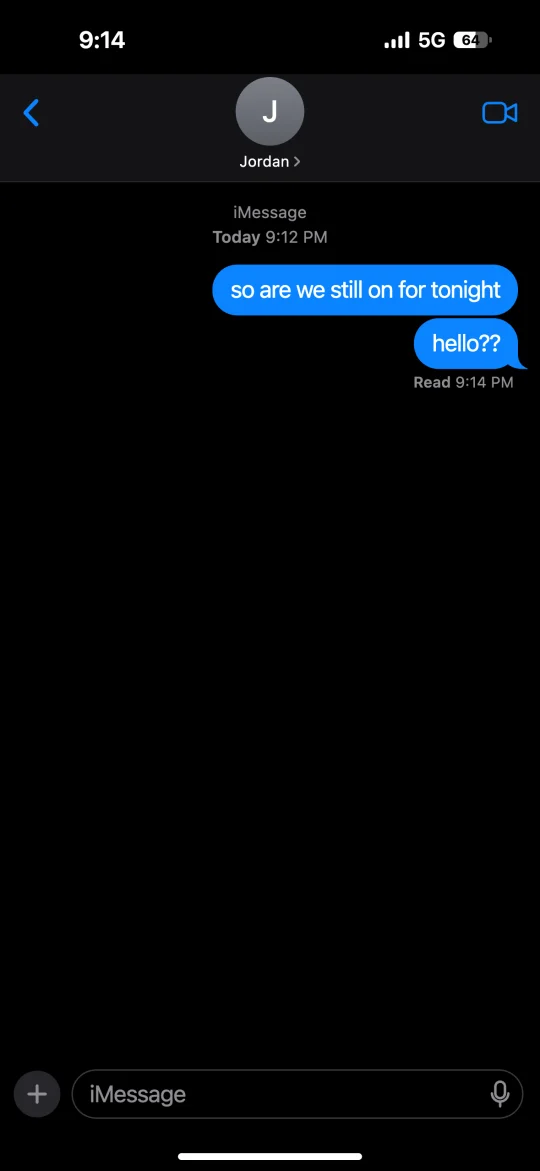
Left on read
Set Read under your last text and add no reply.
Me: so are we still on for tonight
Me: hello??
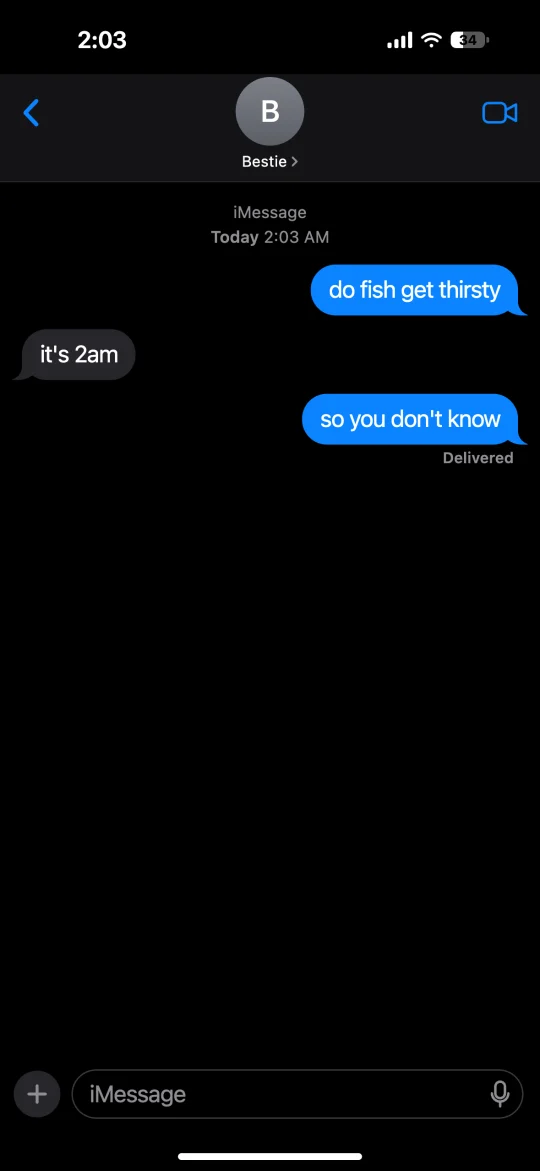
The 2 AM thought
Set the time stamp and the clock to 2:03 AM.
Me: do fish get thirsty
Bestie: it's 2am
Me: so you don't know
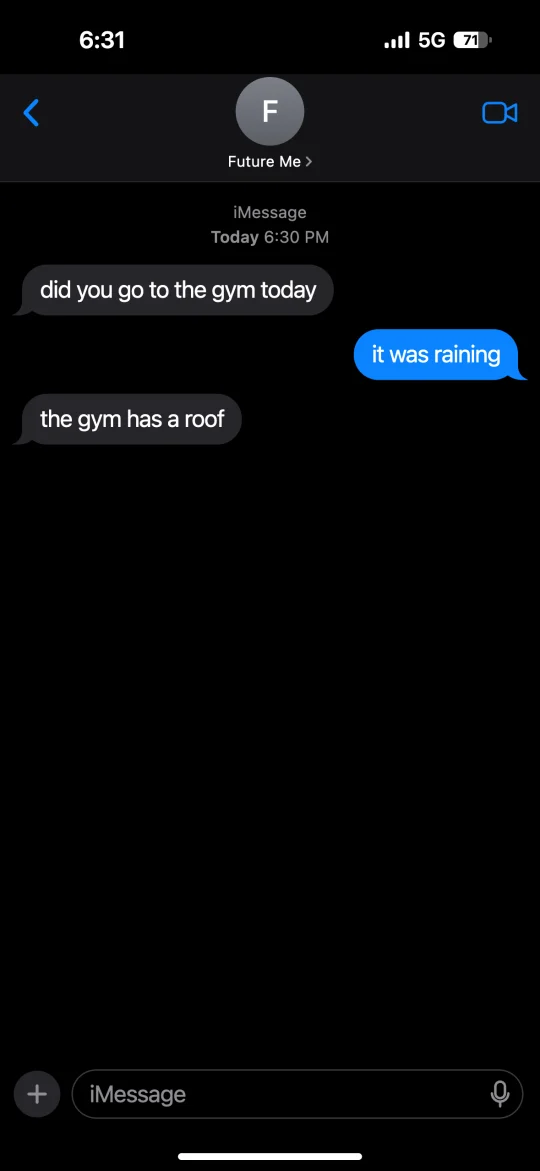
Future me
A motivational chat that goes nowhere.
Future Me: did you go to the gym today
Me: it was raining
Future Me: the gym has a roof
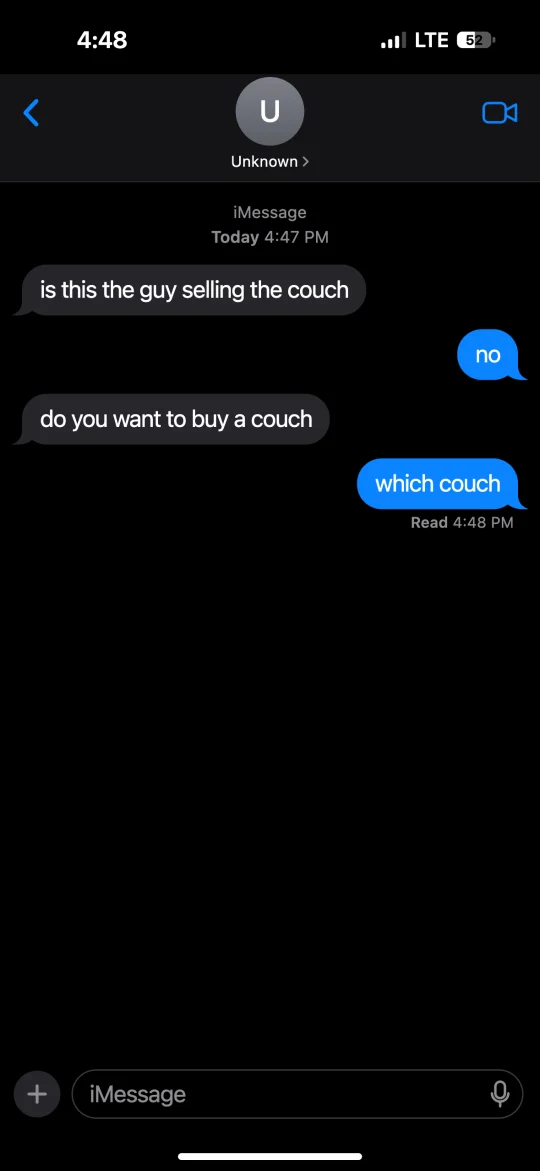
Wrong number
A stranger who really wants to talk about a couch.
Unknown: is this the guy selling the couch
Me: no
Unknown: do you want to buy a couch
Me: which couch
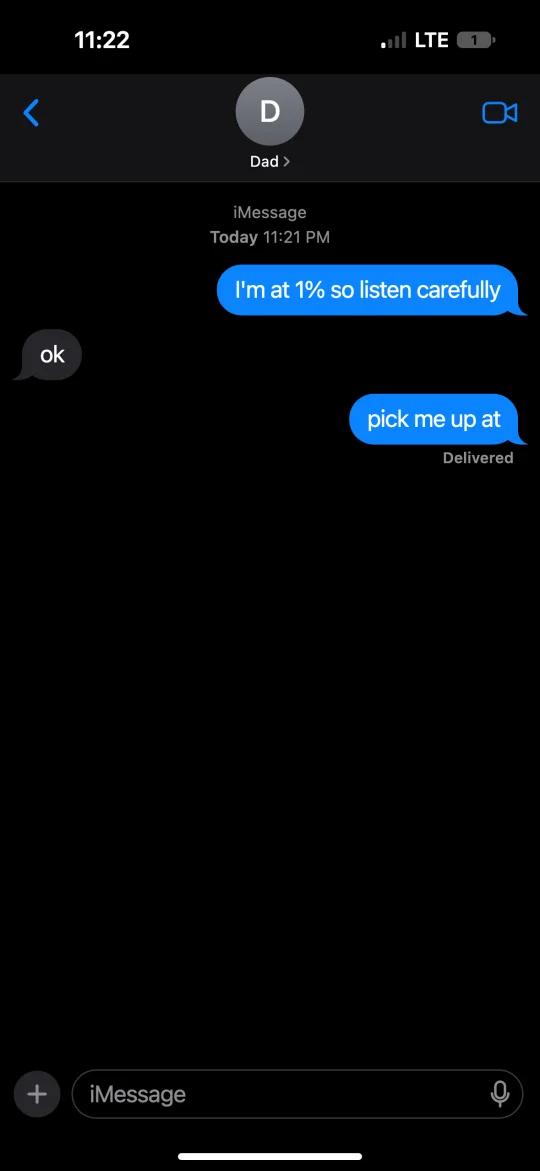
1% battery
Set the battery to 1% and choose Delivered.
Me: I'm at 1% so listen carefully
Dad: ok
Me: pick me up at
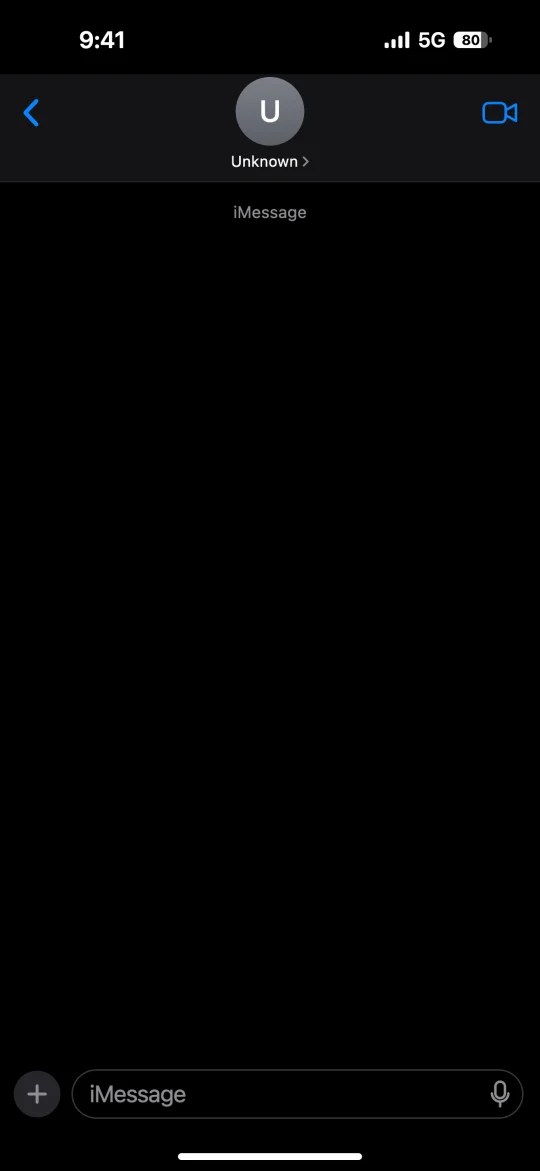
Blank template
An empty chat on black, from Drafts → New draft.
How to make a dark mode screenshot look real
Small details give a fake chat away, so check these before you post.
- Write like people text. Short lines, mostly lowercase, uneven lengths. One long message, then "ok".
- Make the clock agree with the chat. If the time stamp says 11:58 PM, set the status bar to 11:58 too. A 3 AM chat with a full battery looks a little off.
- Choose Read or Delivered on purpose. Delivered means the text arrived. Read means the other person opened it.
- Pick one bubble color. Blue iMessage or green SMS applies to the whole chat, so they never mix by accident.
- Let emoji be big. A text that's only emoji shows up large, the way iOS shows it.
- Download at 3x. It's the sharpest size the editor offers, so small text stays crisp.
What it can't do yet
- It makes the iPhone look only. There's no Android dark mode yet.
- No group chats, bubble reactions or voice messages.
- On iPhone and Mac the preview uses the system font. Other devices use Inter, a close free font, so it's near the real thing but not identical.
Made-up chats only
Some people may take a screenshot like this as real. Use made-up names, and say it's fake when you post it where strangers will see it.
Don't use it to pose as a real person or company, to harass anyone, or to make fake proof for a breakup, a job or a court case. The AI writer only writes made-up conversations and won't write as a real, named person.
Fake Text Maker is an independent tool and isn't affiliated with or endorsed by Apple Inc. iPhone and iMessage are trademarks of Apple Inc.
Fake text message black background FAQ
Use the editor on this page: it starts in dark mode, so the chat is already on black. Type your messages and tap Download PNG. If you're on the main fake text message generator, set Phone appearance to Dark.
Yes, and there's no sign-up. PNG screenshots have no watermark. Videos have no watermark over the chat, and each one ends with a 2-second Fake Text Maker end card.
Yes. Open Drafts and pick New draft for an empty chat. It stays in dark mode. If you don't set a contact name, the top shows Unknown. Tap Download PNG to get an empty iPhone Messages screen on black.
In iPhone Messages, yes: dark mode puts the chat on pure black. Some fake text message dark mode tools use a dark gray instead. This one uses pure black (#000000).
It matches anything set to pure black, like a black slide or a black video background. Keep Phone frame off. On a dark gray background you'll see the edge, so use pure black there too.
A recent one. The screenshot has the shape of an iPhone 16, 17, 18 or 18 Pro screen, with the status bar, contact name and message bar where you'd expect them.
Yes. Switch to Video at the top of the editor, keep the phone on Dark, and pick a solid black background. You get a 9:16 MP4 (1080×1920) where the texts appear one by one. Video export needs iOS 16.4 or later; on Android, use Chrome.
Not yet. The editor only makes the iPhone look for now. More chat apps are on the way.
Screenshots are made on your own device, and photos you add stay there. When you export or use the AI writer, we keep an anonymous copy of the chat's text and settings for 30 days, for safety and to improve the tool, and then delete it. We never keep your photos or videos. Details are in our privacy policy.
Start your dark mode chat
Open the editor above and start typing, or give the AI one line to start from.