
Fake Instagram Chat Generator
Make a fake Instagram chat on an iPhone screen, with purple-to-blue bubbles, "Seen" under your last message and "Active now" under the name. Download it as a PNG or a video. It's free, needs no account, and the PNG has no watermark.
- Free
- No sign-up
- No watermark
- Runs in your browser
How to make a fake Instagram chat
The editor at the top of this page already opens as a fake Instagram DM.
- 1
Write the messages.
Change the sample chat, add messages on either side, or paste a script with one
Name: messageper line. Out of ideas? Give the AI writer one line about the plot and it writes the chat. - 2
Set the Instagram details.
Add their name and profile picture. Under the name, show a username, "Active now", a time like "Active 2h ago", or nothing. Under your last message, pick "Seen", "Seen" with a time, "Sent" or nothing.
- 3
Download it.
You get one iPhone-size screen, with or without a phone frame. Long screenshot fits the whole chat in one tall picture, and Copy image pastes it straight into another app.
Fake Instagram messages, iPhone style
What's on the picture:
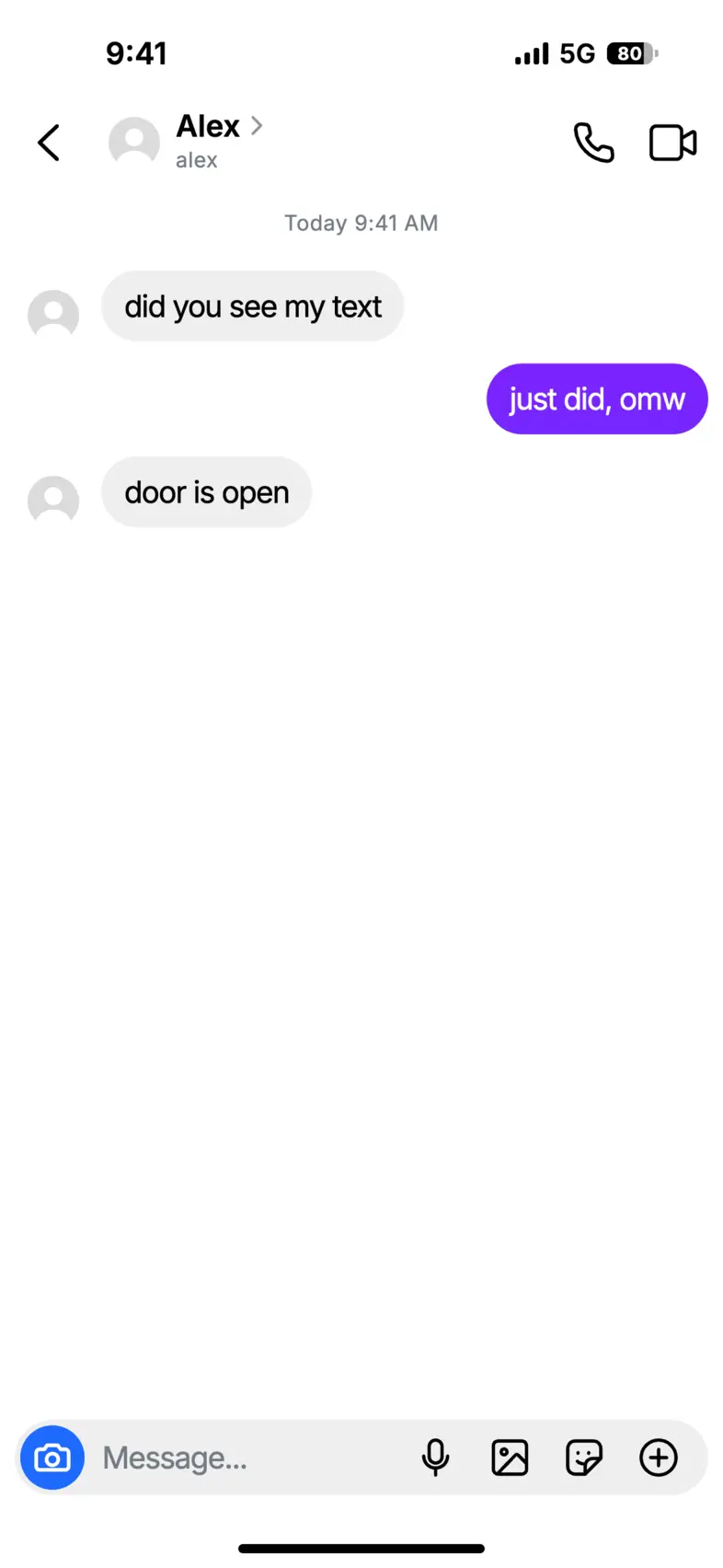
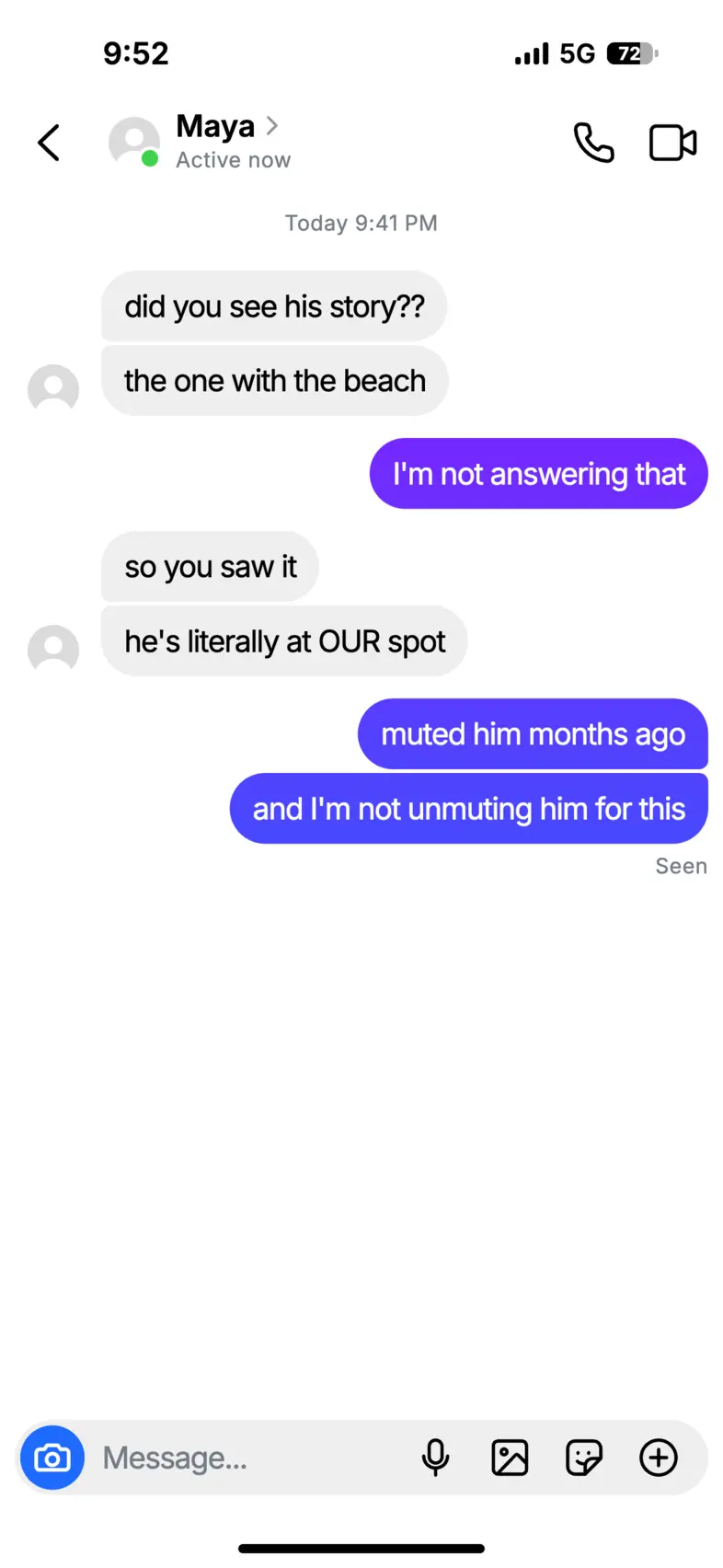
- The bubble colors. Your messages go from purple near the top of the screen to blue near the bottom. Their replies sit in grey bubbles, with their picture next to the last one in a row.
- Usernames and "Active now". Leave the username empty and one is made from their name. "Active now" puts a green dot on their picture.
- "Seen" and "Sent". The small grey line under your last message. Type a time to get "Seen 2h ago".
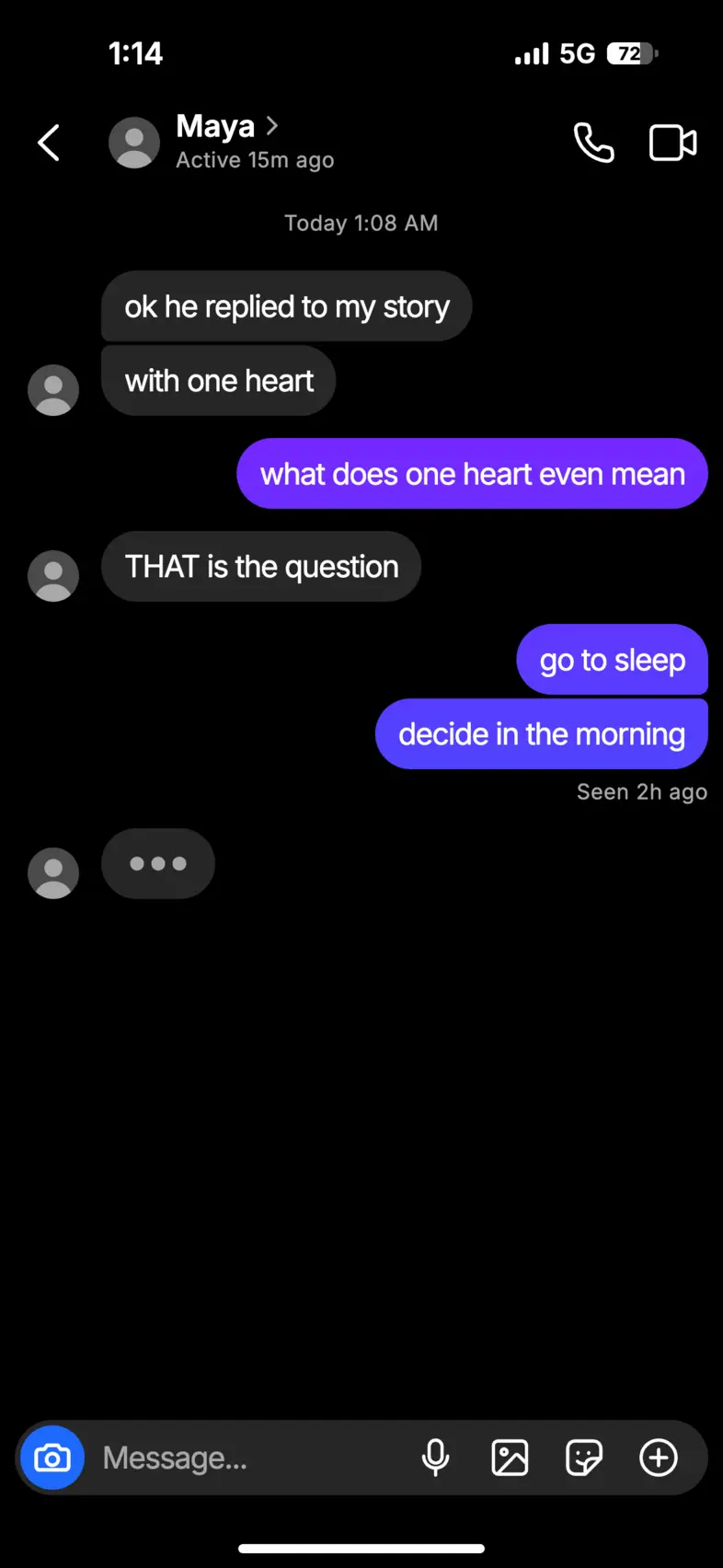
- Typing, times, photos and emoji. Turn on the typing bubble with its three dots, or add a time line such as "Today 9:41 PM" between messages. A message can hold a photo, and one to three emoji sent on their own show up big, with no bubble.
- Light or dark. Dark mode puts the same chat on a black background.
Messages from the same person in a row join up with tighter corners.
Instagram chat maker for fanfic, videos and slides
Fanfic and chat AUs
Write a whole fake Instagram conversation between two characters and download it screen by screen, or as one long image per chapter. A chat holds up to 300 messages and stays saved as a draft in this browser, so the next chapter starts where the last one ended.
TikTok, Reels and Shorts
Switch the editor to Video and you get a 9:16 MP4 of up to 3 minutes: messages pop in one by one after the typing dots, with optional message sounds. The chat story maker opens straight in video mode.
Posts, slides and class projects
The PNG has the shape of an iPhone 16, 17, 18 or 18 Pro screen, so it sits in a carousel post or a slide deck like a normal phone screenshot.
What this Instagram DM generator can't do
It makes one-to-one DMs in Instagram's iPhone look. These aren't supported:
- Reactions. No heart or emoji under a message. They're planned.
- The blue verified badge. Names show without it.
- Replies to a message or a story, voice messages and group chats. A fake Instagram message here is text, emoji or a photo, between you and one person.
- Vanish mode, chat themes and the Android look. Every chat uses the standard iPhone colors.
Made-up chats only
A picture like this can pass for a real Instagram DM. Use made-up names, and say it's fake when strangers will see it. Don't use it to pretend to be a real person, brand or creator, to harass anyone, or to fake proof of a conversation.
The AI writer only writes made-up chats.
Fake Text Maker is an independent tool. It isn't affiliated with, endorsed by or sponsored by Instagram or Meta Platforms, Inc. Instagram is a trademark of Meta Platforms, Inc. iPhone is a trademark of Apple Inc.
Fake Instagram chat generator FAQ
Yes, and you don't need an account. Screenshots have no watermark. Videos have nothing over the chat and end with a 2-second Fake Text Maker card. The AI writer includes a few free scripts a day.
No. Nothing is sent. You only download a picture of a chat.
In the "Under your last message" setting, pick Seen and type a time such as "2h ago" or "Tuesday". It shows only when your message is the last one in the chat.
Reactions aren't in yet, but they're planned. The verified badge isn't supported, so names show without it.
Yes. Turn on Long screenshot and the whole chat comes out as one tall PNG, up to 300 messages.
Yes. Switch to Video in the editor and download a 9:16 MP4, or open the chat story maker, which starts in video mode.
The PNG and the video are made on your device. Photos you add stay there. When you export or use the AI writer, we keep an anonymous copy of the chat's text and settings for 30 days, then delete it. Details are in our privacy policy.
Make a fake Instagram chat
Write the DM, set "Seen" and download the PNG. You don't need an account.
Make a Fake Instagram Chat