
iMessage
Blue bubbles, and a Read line once the other person has opened it. This is the look people mean when they say iMessage.
Make a fake iMessage chat: blue bubbles, a Read receipt and the iPhone status bar. Then download a PNG. Free, no sign-up, and no watermark on the chat.
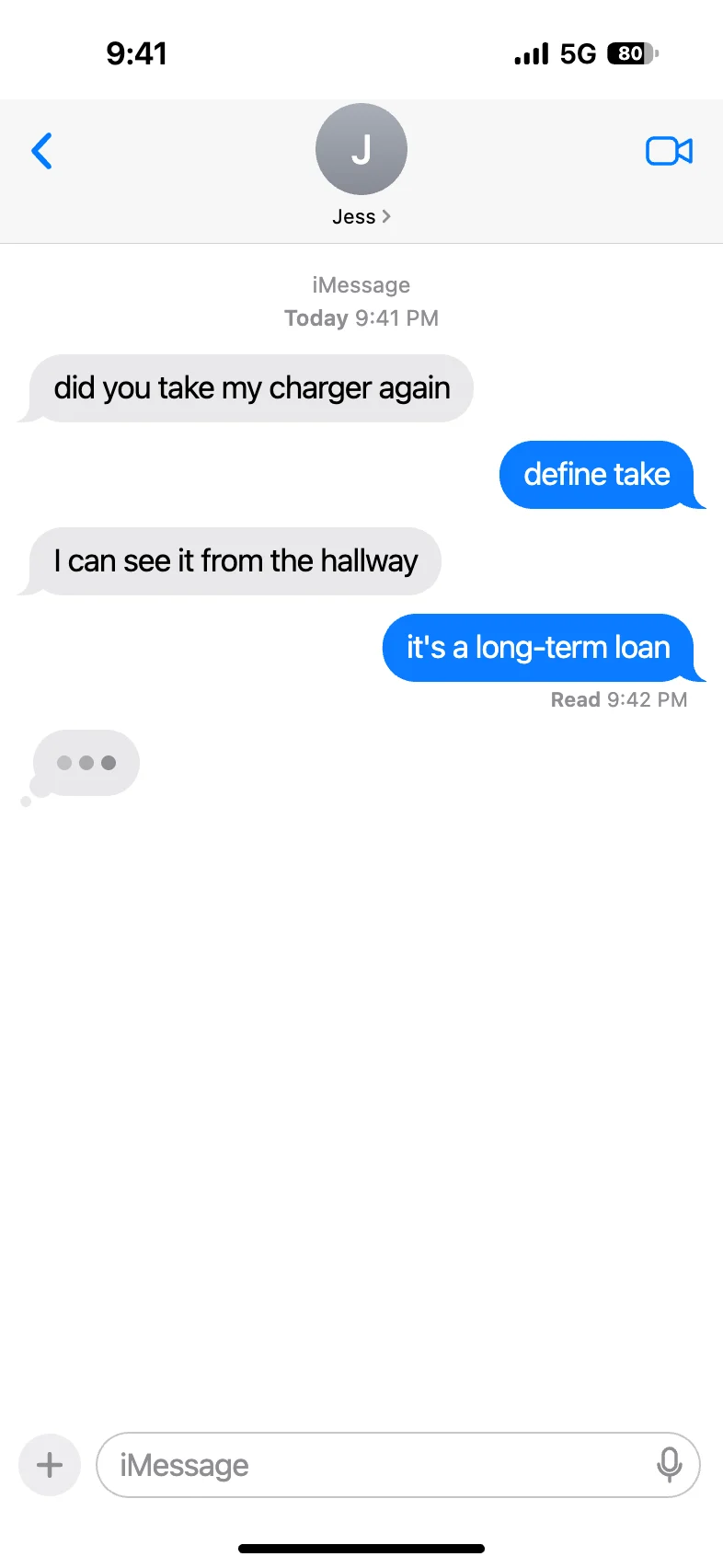
The editor at the top of this page already opens as an iMessage thread.
Change the sample messages, add lines on either side, or paste a script with one Name: message per line. Stuck for words? Give the AI a one-line idea.
Blue bubbles are iMessage. Switch the whole chat to green only when you want SMS. Set the contact name, the clock, and Delivered or Read under your last text.
You get one iPhone-size screen at 3x, with no phone frame. Turn on Long screenshot for the whole thread, or use Copy image to paste it into another app.
On an iPhone, iMessage is blue and a plain text is green. This page starts on blue. The color applies to the whole chat, so the two never mix by accident.
Blue bubbles, and a Read line once the other person has opened it. This is the look people mean when they say iMessage.
Green bubbles, with Delivered instead of Read. Switch to it in the editor when the story is a plain text, not iMessage.
Want the same thread as a video? The chat story maker exports a 9:16 MP4. For a black screen, open the black background page.
A picture like this can look like a real iMessage. Use made-up names, and say it's fake when strangers will see it.
Don't use it to pose as a real person or company, to harass anyone, or to make fake proof. The AI writer only writes made-up conversations.
Fake Text Maker is an independent tool and isn't affiliated with or endorsed by Apple Inc. iPhone and iMessage are trademarks of Apple Inc.
A page for making a fake iMessage conversation in the browser: blue bubbles, the iPhone status bar and a Read receipt, then a PNG you download. It does not send a real message.
Yes. Writing the chat and downloading the PNG cost nothing, and you don't need an account. The AI writer includes a few free scripts a day.
Blue is how an iPhone shows iMessage. Green is SMS. This page starts on blue. You can switch the whole chat to green in the editor.
No. Nothing is sent as a text. You only download a picture of a conversation.
The main editor covers screenshots and chat videos together. This page is the iMessage look: it opens on a blue-bubble thread so you can download that screenshot.
Yes. Switch to Video in the editor, or open the chat story maker, which starts in video mode.
The PNG is made on your device. Photos you add stay there. When you export or use the AI writer, we keep an anonymous copy of the chat's text and settings for 30 days, then delete it. Details are in our privacy policy.