
Fake WhatsApp Chat Generator
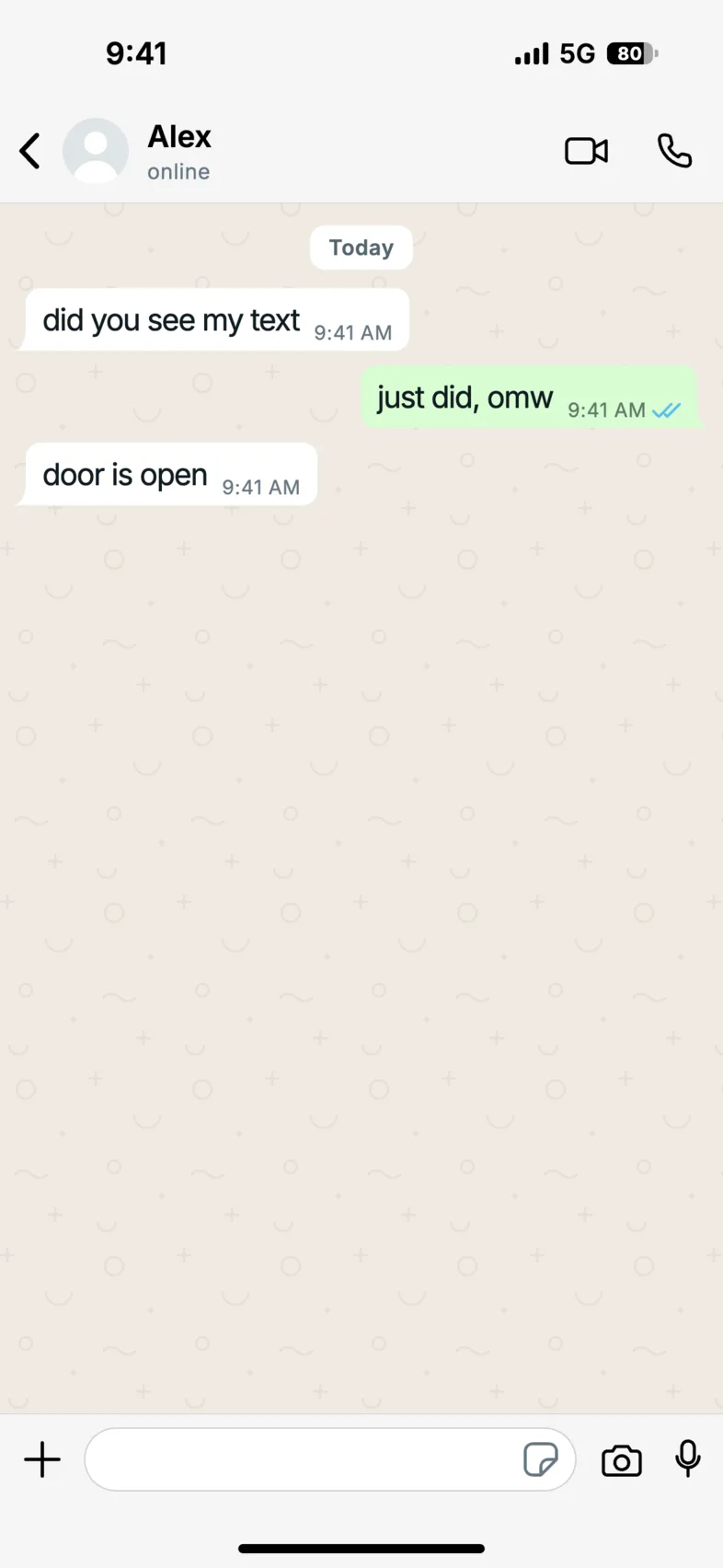
Make a fake WhatsApp chat on an iPhone screen, with green bubbles, ticks and the "online" line under the name. Then download it as a PNG. It's free and needs no account, and the PNG has no watermark.
- Free
- No sign-up
- No watermark
- Runs in your browser
How to make a fake WhatsApp chat
The editor at the top of this page already opens as a WhatsApp chat.
- 1
Write the messages.
Change the sample chat, add messages on either side, or paste a script with one
Name: messageper line. Stuck for words? Give the AI writer a one-line idea and it writes the chat for you. - 2
Set the WhatsApp details.
Add the contact's name and photo. Choose what shows under the name: "online", a "last seen" time you type, or nothing. Then pick the ticks on your messages.
- 3
Download the PNG.
You get one iPhone-size screen, with or without a phone frame. Turn on Long screenshot to fit the whole chat in one picture, or use Copy image to paste it into another app.
Fake WhatsApp messages, iPhone style
These are the parts you can change:
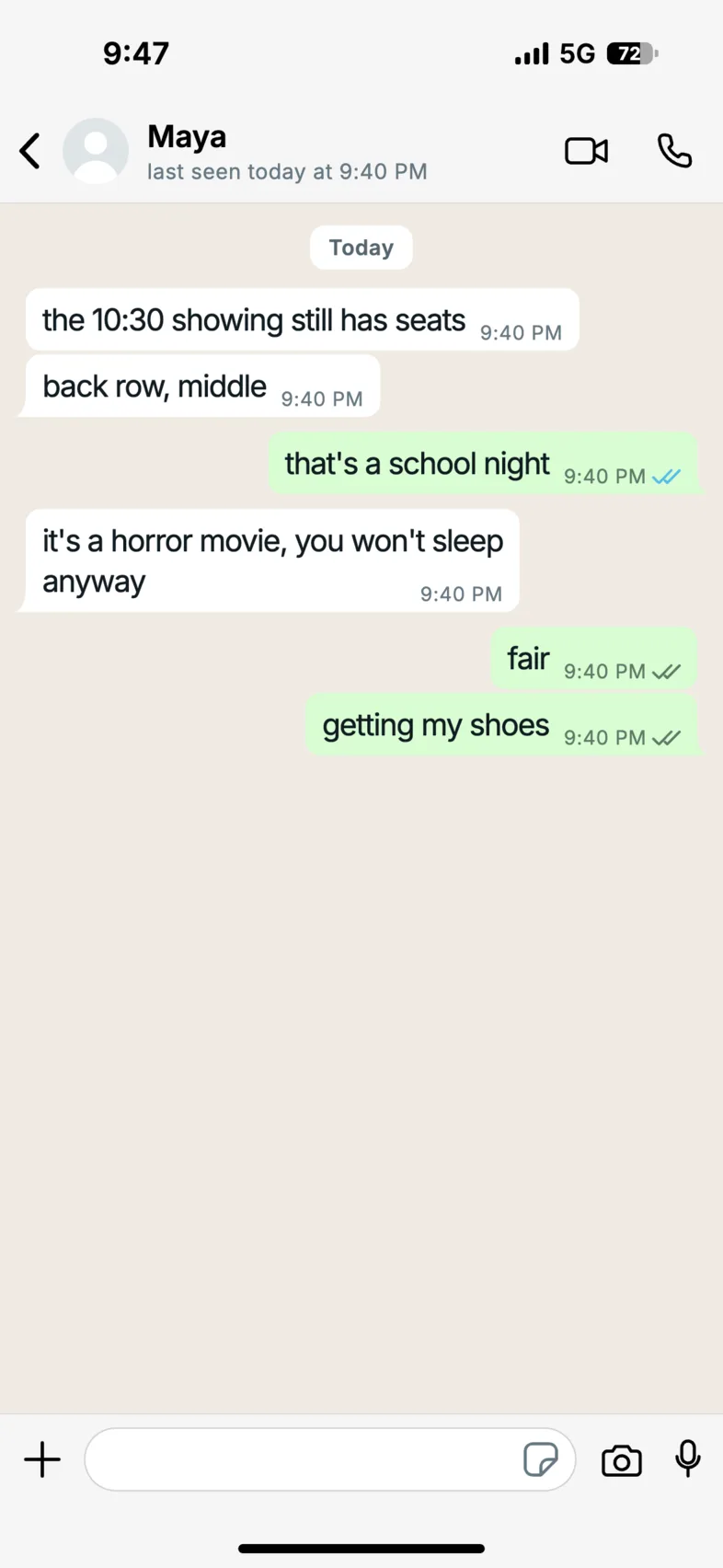
- Ticks. One grey tick is sent, two grey ticks are delivered, two blue ticks are read. Messages they've already answered always get blue ticks.
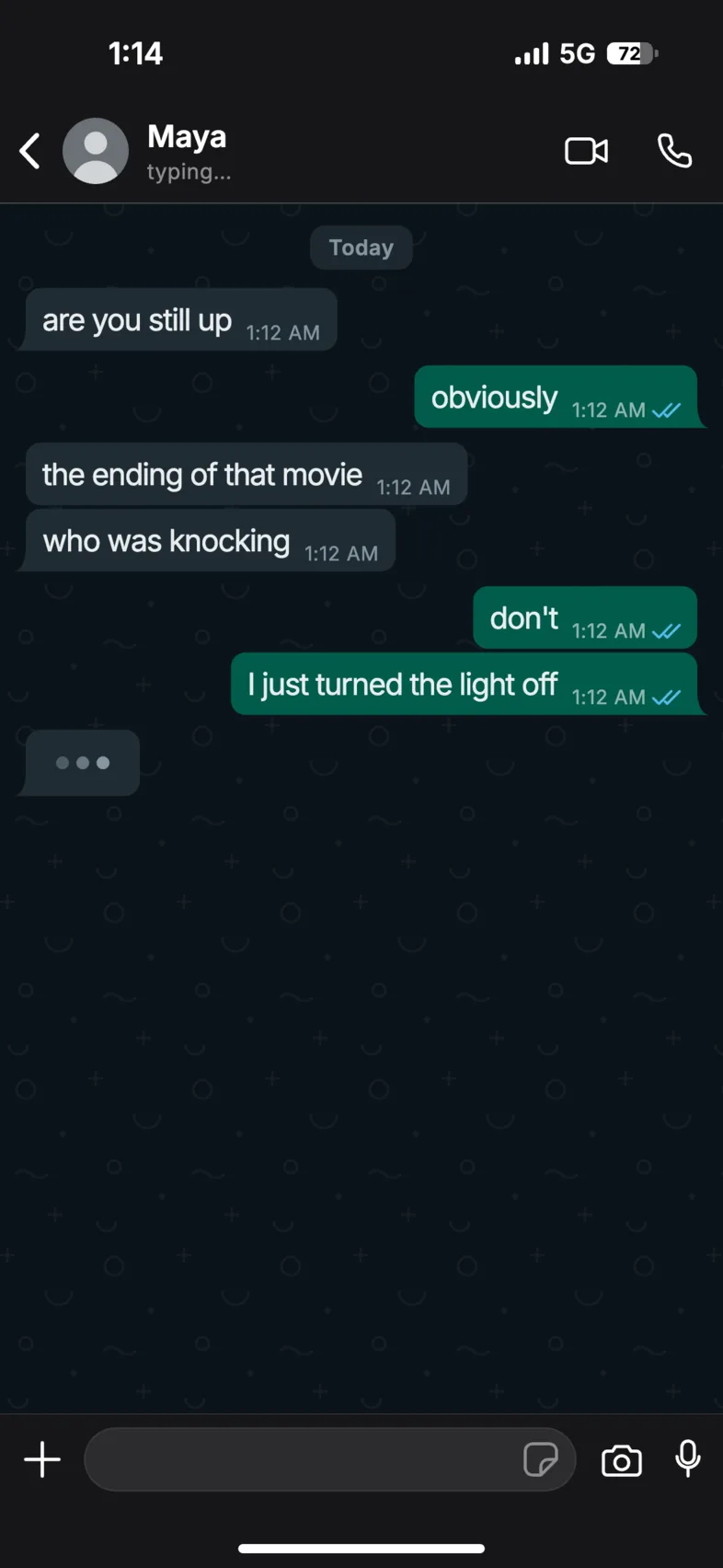
- The line under the name. "online", "last seen today at 9:40 AM" (type any time you like), or nothing. Turn on the typing bubble and it says "typing…" instead.
- Times and dates. Every bubble shows a time in its corner. Add a date line such as "Today 9:41 AM" and it becomes a "Today" chip, with that time on the messages under it.
- Photos. Add a contact photo for the header, or a picture inside a message. Photos stay on your device.
- Light or dark. Pick dark mode for night scenes, then a plain background or a faint pattern behind the bubbles.
The pattern is our own design, not WhatsApp's doodle wallpaper, and no WhatsApp logo appears on the picture.
WhatsApp chat maker for stories and videos
Three common uses:
Fanfic and chat AUs
Keep one chat open and download screen after screen as the story moves on, or turn on Long screenshot for a whole chapter in one image. A chat holds up to 300 messages. It's saved as a draft in this browser, so you can come back tomorrow and pick up where you stopped.
TikTok, Reels and Shorts
Switch the editor to Video and download a 9:16 MP4 of up to 3 minutes. The chat story maker opens straight in video mode.
Slides and posts
The PNG has the shape of an iPhone 16, 17, 18 or 18 Pro screen. Drop it into an Instagram carousel or a slide deck like any other phone screenshot.
What this WhatsApp generator can't do
It makes one-to-one chats in WhatsApp's iPhone look. These aren't supported:
- Group chats. There's one contact, so no sender names above the messages.
- The Android look. The chat is always WhatsApp on an iPhone.
- Voice messages, reactions and quoted replies. A fake WhatsApp message here is text or a photo.
Made-up chats only
A picture like this can pass for a real WhatsApp screenshot. Use made-up names, and say it's fake when strangers will see it. Don't use it to pretend to be a real person or company, to harass anyone, or to fake proof of a chat.
The AI writer only writes made-up chats.
Fake Text Maker is an independent tool. It isn't affiliated with, endorsed by or sponsored by WhatsApp or Meta Platforms, Inc. WhatsApp is a trademark of Meta Platforms, Inc. iPhone is a trademark of Apple Inc.
Fake WhatsApp chat generator FAQ
Yes, and you don't need an account. Screenshots have no watermark. Videos have nothing over the chat and end with a 2-second Fake Text Maker card. The AI writer includes a few free scripts a day.
No. Nothing is sent. You only download a picture of a chat.
Under "Ticks on your messages", choose Read. Messages the other person has replied to always show blue ticks; the setting decides the ticks on your messages after their last reply.
No. Each chat has one contact, so there are no sender names above the messages. The Android look isn't available either; every chat uses WhatsApp's iPhone look.
Yes. Turn on Long screenshot and the whole chat comes out as one tall PNG.
Yes. Switch to Video in the editor and download a 9:16 MP4, or open the chat story maker, which starts in video mode.
It's the same editor in a different look. The iMessage generator has blue and grey bubbles and a Read line under your last text; this page has WhatsApp's green bubbles and ticks. Switch between the two with the tabs at the top of the editor.
The PNG and the video are made on your device. Photos you add stay there. When you export or use the AI writer, we keep an anonymous copy of the chat's text and settings for 30 days, then delete it. Details are in our privacy policy.
Make a fake WhatsApp chat
Write the chat, set the ticks and download the PNG. No sign-up.
Make a Fake WhatsApp Chat